> ## Documentation Index
> Fetch the complete documentation index at: https://docs.skatechain.org/llms.txt
> Use this file to discover all available pages before exploring further.
# How to Add & Remove Liquidity
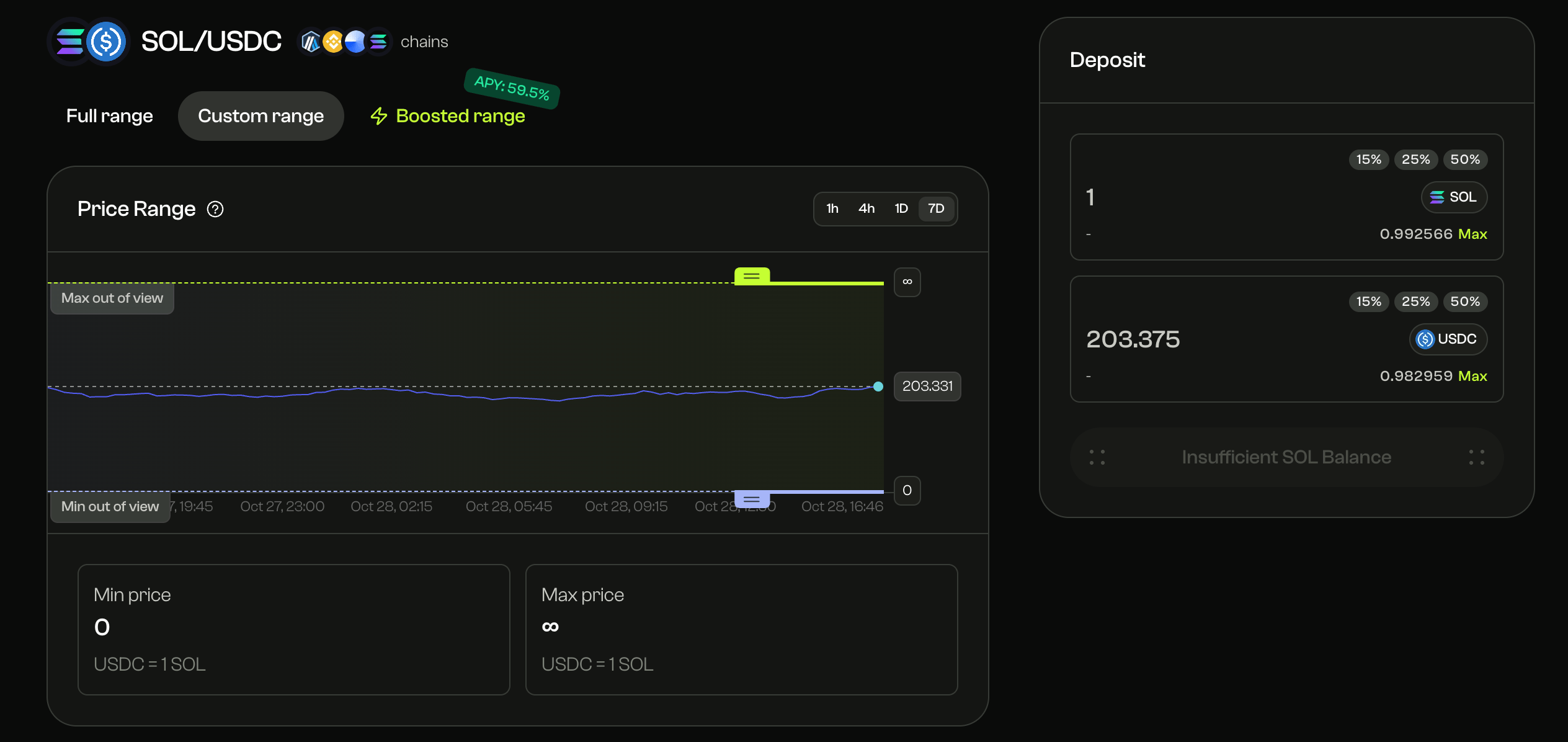 When LPs add liquidity on **Skate AMM**, the position is recorded in the **hub’s canonical pool state**, allowing it to support trades and accrue fees across all connected chains.
While tokens remain on the chain where they are deposited, the corresponding **liquidity range and fee accounting** are synchronized globally through the hub. LPs can deposit tokens within a **custom or full price range** — similar to Uniswap V3-style concentrated liquidity.
* Use **Full range** for passive exposure
* Use **Custom range** to concentrate liquidity around active prices for higher capital efficiency
All liquidity updates — additions, removals, or range adjustments — are executed natively on the selected chain and reflected in the unified hub state, ensuring that LPs’ positions remain active participants in the global fee-sharing mechanism.
When LPs add liquidity on **Skate AMM**, the position is recorded in the **hub’s canonical pool state**, allowing it to support trades and accrue fees across all connected chains.
While tokens remain on the chain where they are deposited, the corresponding **liquidity range and fee accounting** are synchronized globally through the hub. LPs can deposit tokens within a **custom or full price range** — similar to Uniswap V3-style concentrated liquidity.
* Use **Full range** for passive exposure
* Use **Custom range** to concentrate liquidity around active prices for higher capital efficiency
All liquidity updates — additions, removals, or range adjustments — are executed natively on the selected chain and reflected in the unified hub state, ensuring that LPs’ positions remain active participants in the global fee-sharing mechanism.